That cookie banner is there because you switched it on
The Consumentenbond and dozens of other European consumer and civil society organisations are calling on the EU to finally put an end to cookie banners and cookie walls. Good news if you spend a lot of time online. If you have your own site, there's something in it for you too: that banner doesn't come out of nowhere. It's there because something is watching along that you once had installed.

Every article links to its source, so you can check it yourself.
Where the banner on your site comes from
Emerce reports on the appeal: the organisations call this the last chance to abolish banners and cookie walls for good. In Brussels, that will take a while yet. On your own site, you can do something about it today.
A cookie banner is not a fixed part of a website. It's there because scripts on your site store or pass on something about your visitor: a script for visitor statistics, an advertising pixel, an embedded YouTube video, a font that comes from a Google server. If none of that is on your site, you have nothing to ask. A site that only shows your own pages doesn't need consent.
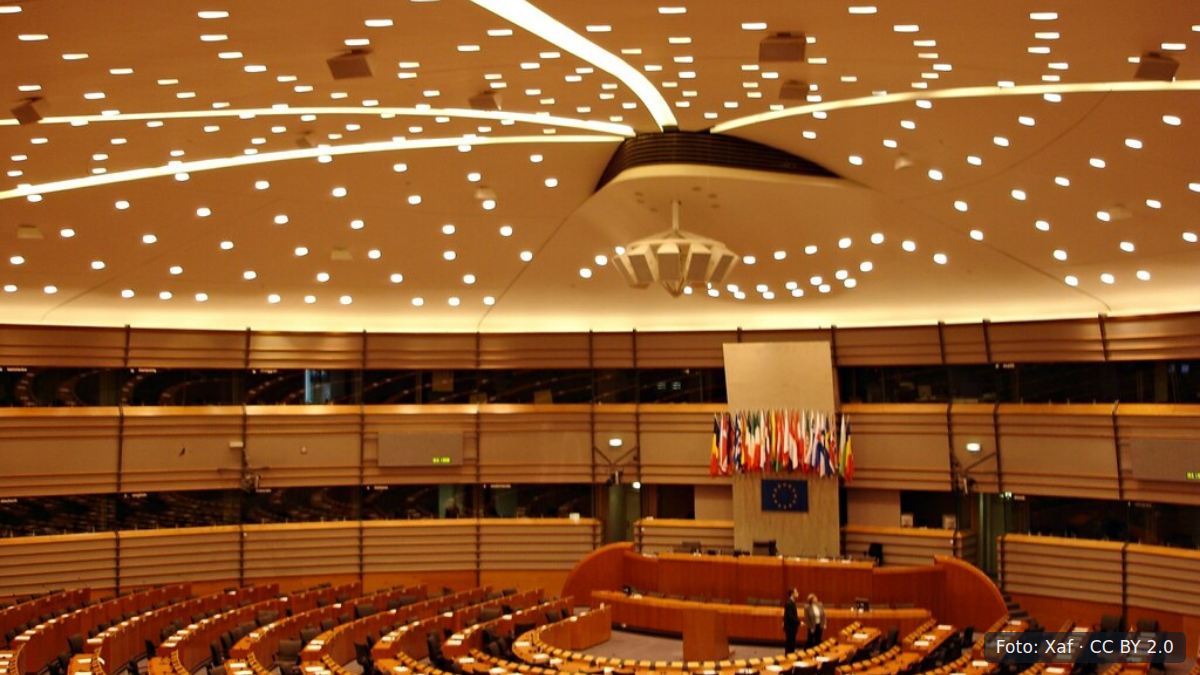
What a website costs: the tracking comes as standard in the quote
If you look up what it costs to have a website built, you'll get quotes that almost always include a bundle of tracking. Statistics in, pixel in, a script that records where visitors click. It adds little to the quote, so it rarely gets removed.
Ask yourself one question: when did you last look at that overview, and what did you do differently afterwards? If the answer is "never" or "no idea", you're paying for those scripts with something that doesn't show up in your accounts. Your visitor first gets a grey bar across your work and has to click before they see what they came for. If your site is mostly images, like that of a photographer or an interior design business, that's a waste of your own work. You're hiding it behind a consent request for data you never look at.
Set it beside your website maintenance costs
This isn't a technical project. It's half an hour spent finding out what is on your site. Even if you outsource the management of your website to a builder or agency, the question remains yours.
- Email whoever manages your site: which external scripts are on my website, and what does each one do? Ask for a list, not a story.
- Go through the list and strike out whatever you don't use. If you don't recognise the name, it can go.
- Embedded videos and maps almost always load trackers along with them. Replace them with an image that links out, or put the video on your own site.
- Fonts from an external server can simply be hosted on your own site.
- Still want to know how many people visit? Your server already keeps track of visitor numbers, without you having to store anything about the visitor.
Then set your maintenance costs beside it. Every script that goes is one less thing that can break and that you have to keep updated. And it's one less reason to ask someone who has just arrived a question straight away.

What to do about it tomorrow
Don't wait for Brussels. Send that one email today asking which scripts are running. If you don't get a clear answer within a week, that tells you something too.
Remove what you don't use. Often the banner disappears along with it. Your site gets faster, you have less to maintain, and nobody else is building a profile of the people who come to look at your work.
While you're at it, also list what you spend each month on software and outsourced work around your site. That list will often surprise you more than the cookie banner.
Questions about this topic
Am I obliged to have a cookie banner on my website?
No. The request for consent applies to scripts that place or read something on your visitor's device when the site itself doesn't need it. If none of those are on your site, you have nothing to ask. Do have someone check exactly what is running before you remove the banner.
How do I find out which trackers are on my site?
Ask whoever built or manages your site, and request a simple list of names. If you can access it yourself, the page source or the network tab of your browser shows which external addresses your site calls. It's often a short list, and you won't recognise half of it.
I do want to know how many visitors I have. Is that possible without a banner?
Yes. Your server already keeps track of how many pages are requested. There are also counters that don't store personal data and don't place anything on your visitor's device. Have whoever manages your site confirm that the counter you choose really stores nothing.
More news
- 14 November 2026 · Eventplanner.nlAI platforms are visiting your website. Work out what it costs firstAI platforms read your website alongside your customers. Here is how to work out what that traffic costs you and what it brings in.
- 14 November 2026 · The DecoderChatGPT Wallet: soon an assistant pays on your customer's behalfChatGPT Wallet lets an assistant handle checkout. What that means for the cost of running a webshop and for what you keep per order.
- 13 November 2026 · EmerceYour cookie banner is there, and your site is sending data anywayThree quarters of large European webshops send visitor data before the cookie choice. Here is how to check your own site in a few minutes.