Signing in to your Mia OS
Your Mia OS is always ready in the browser. Signing in takes ten seconds — here is how.
Open your personal address
Every Mia OS environment has its own web address, for example yourname.mia-automation.com. Open it on your computer, tablet or phone — there is nothing to install.
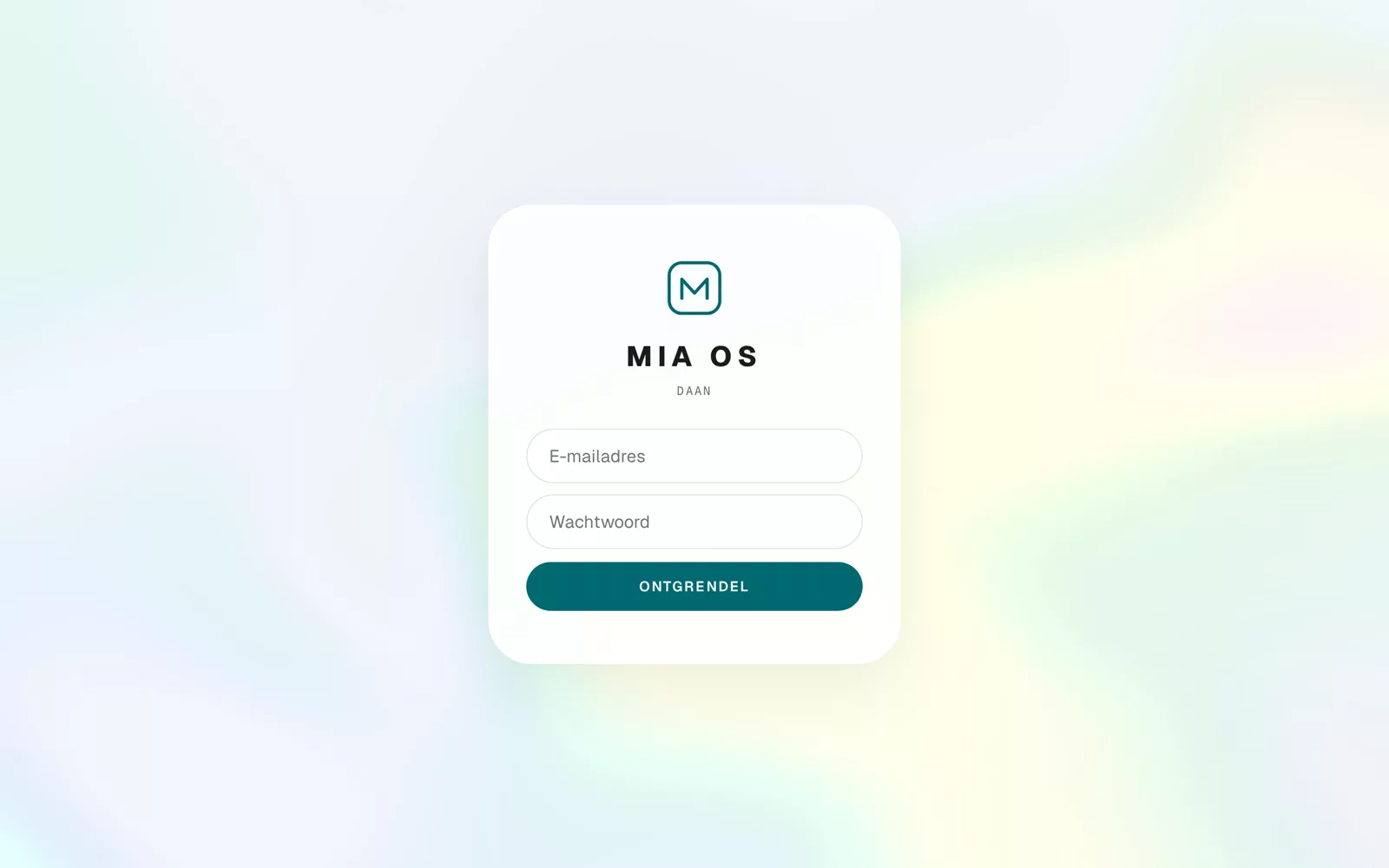
Sign in
- Enter the e-mail address of your Mia account.
- Enter your password.
- Click Unlock.
You land straight on your home screen with all your apps.
Lost your password?
Use "forgot password" on the account page of mia-automation.com, or simply ask Mia through your trusted channel. Your session stays saved on this device — no need to sign in every time.
Frequently asked questions
Does Mia OS work on my phone?
Yes, fully. You can even install Mia OS as an app on your home screen.
Do I need to install software?
No. Mia OS runs entirely in the browser.
Dig deeper
What is Mia OS?
Mia OS is an AI that builds working software for you while you simply talk. No code, no developers. Here is what it is, in plain language.
Read more →Start hereA tour of your home screen
The Mia OS home screen at a glance: your apps, the status bar, the language switch, the live list and the Mia button.
Read more →